Sample data
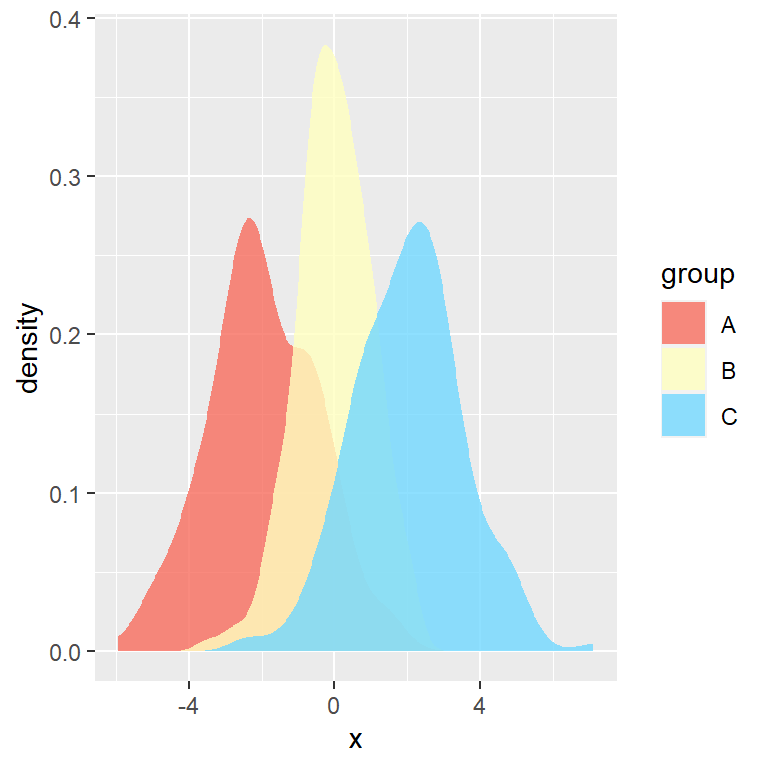
Creating a box plot by group in base R is very straightforward. If you prefer ggplot2 check the box plot by group in ggplot2. In this tutorial we are going to use the following data set:
# Sample dataset
set.seed(136)
data <- data.frame(x = rnorm(300),
                   group = sample(LETTERS[1:3],
                                  size = 300,
                                  replace = TRUE))
Box plot for multiple groups
In order to create a box plot by group in R you can pass a formula of the form y ~ x, being y a numerical variable and x a categorical variable to the boxplot function.
Option 1
You can pass the variables accessing the data from the data frame using the dollar sign or subsetting the data frame. This approach is especially useful if your data is in two separate vectors.
boxplot(data$x ~ data$group)

# Equivalent to:
boxplot(data[, 1] ~ data[, 2])

# Equivalent to:
x <- data$x
y <- data$group
boxplot(x ~ y)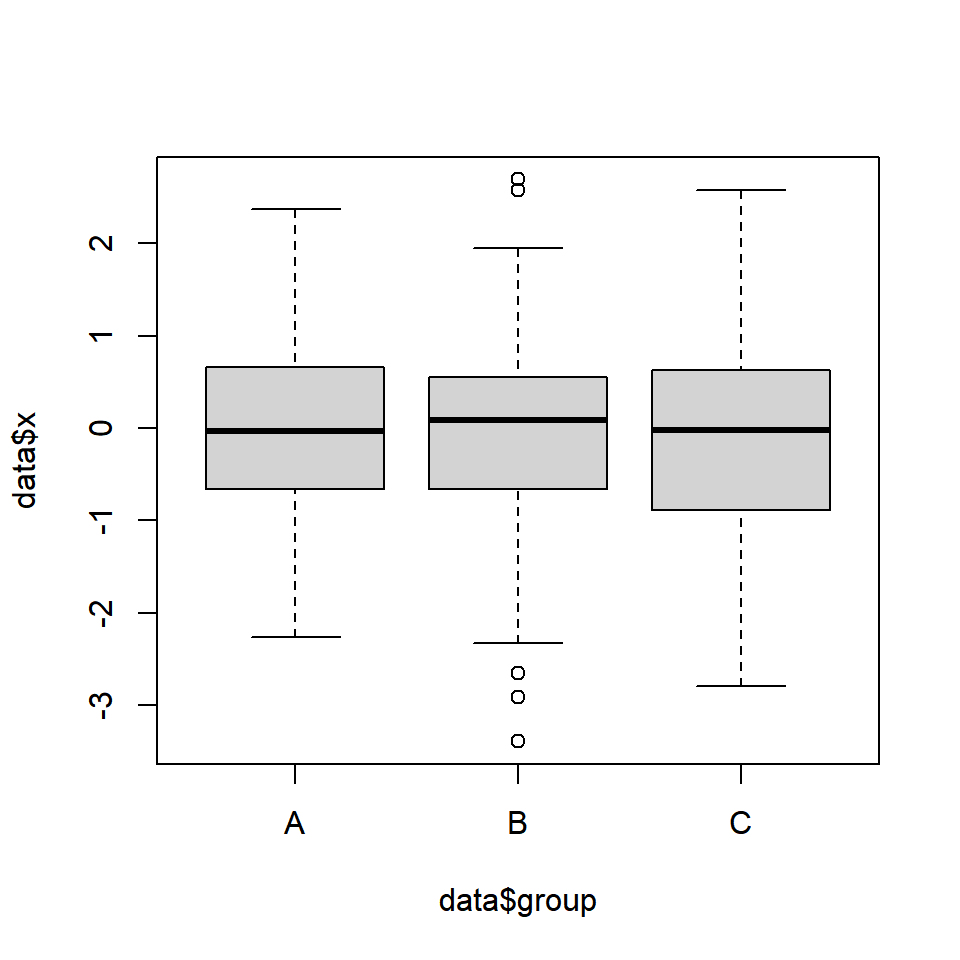
Option 2
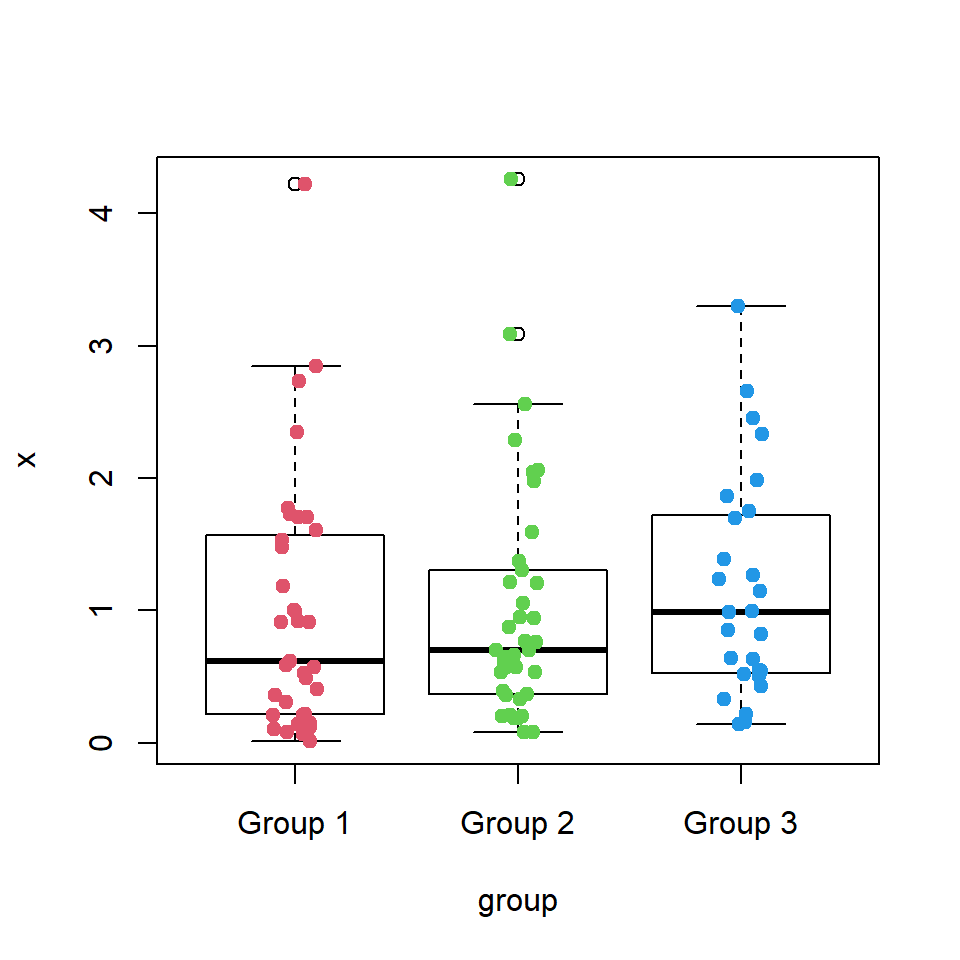
Another option is passing your data frame to the data argument, so you will be able to specify only the names of the variables inside your data set. You can also add the data points to the box plot.
boxplot(x ~ group, data = data)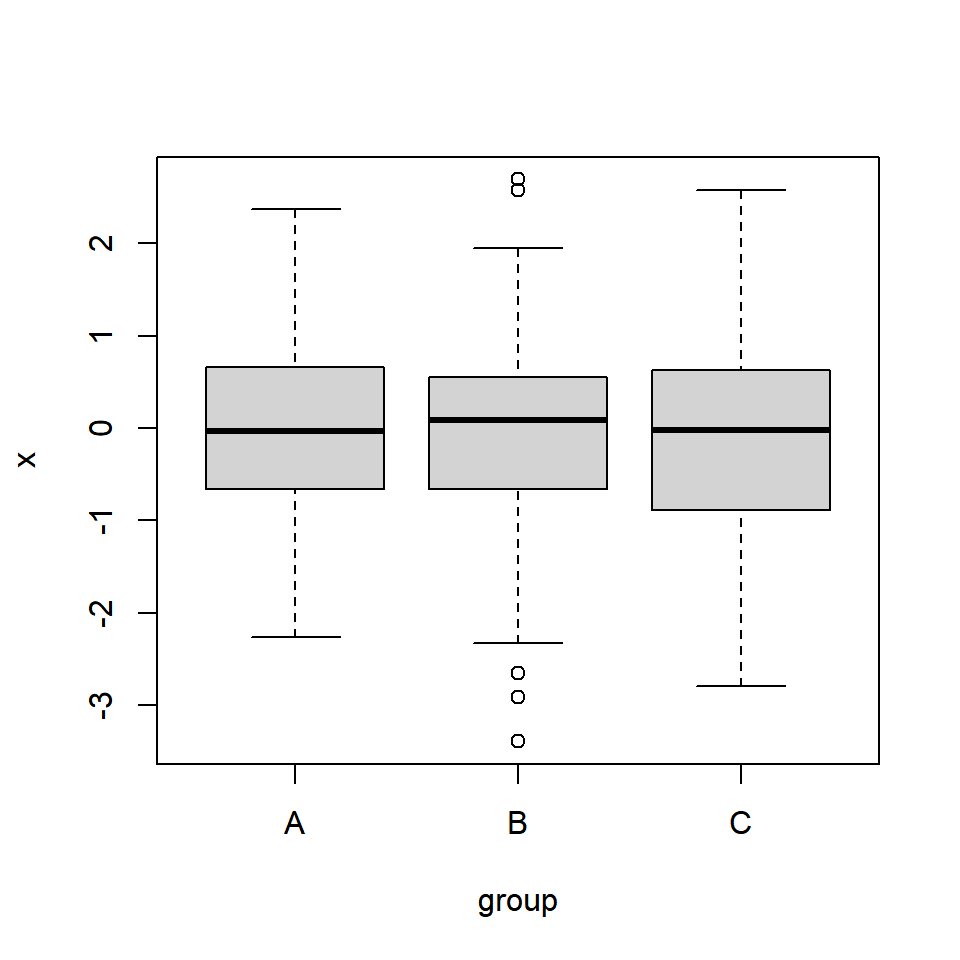
Box plot color by group
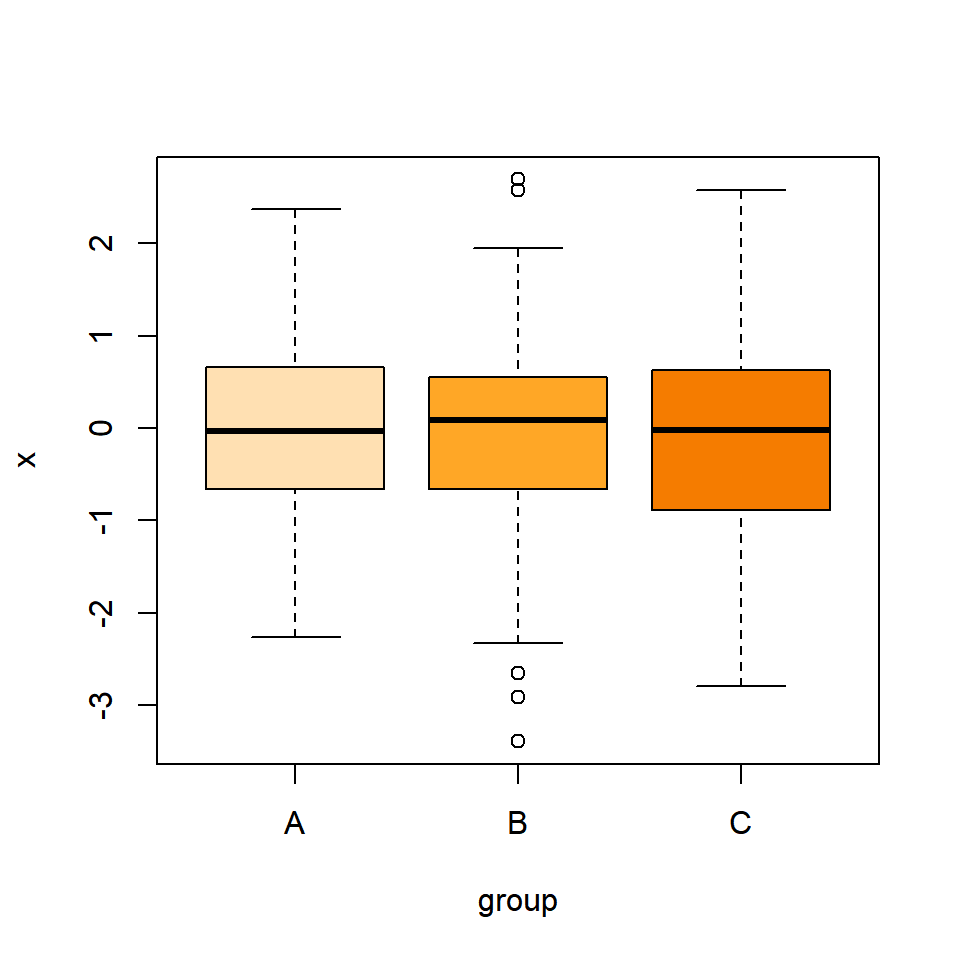
The boxplot function contains an argument named col where you can specify a vector of colors of the same length of the number of groups. See colors or palettes to choose your colors or the palette generator to create your own palettes.
boxplot(x ~ group, data = data,
        col = c("#FFE0B2", "#FFA726", "#F57C00"))
Master Statistics
Learn statistics from the basics to advanced techniques, clearly explained
Go to site